Event Production
Sound, Lighting and AV for Events: What Should You Plan?
A practical guide to planning event sound, lighting and AV: what to decide about microphones, screens, lighting, playback, power, rehearsals and backup.
By NuKoncept EventsPublished 7 min read
Guests rarely notice good sound, lighting and AV. They notice when a speaker cannot be heard, when a slide is unreadable from the back, or when a video plays with no audio. Because these are the parts of an event people judge most directly, they deserve early planning.
Start with the programme and the room
Technical needs follow from two things: what will happen and where. Write them down first.
- Will there be speeches, panels, music, performances, video or all of these?
- How many people will attend, and how will they be seated?
- Is the venue indoors, outdoors or a mix? A hall, a ballroom, a tent?
- How long is the event, and how many segments or changeovers are there?
- Will anything be recorded or streamed?
Sound
What should sound planning cover?
Sound planning decides how everyone in the room can hear what they need to hear: speakers, performers, music and audience questions. It covers the speakers that reach the audience, the microphones used, the mixing, and the monitoring that lets performers hear themselves.
Audience size and room
A small room may need little amplification. A large hall, a long room or an open space needs a plan for coverage so that the back is as clear as the front. Hard surfaces such as glass, marble and bare walls reflect sound and can make speech unclear. Soft furnishings, drapes and a full audience absorb it. A visit to the venue with the sound team shows what to expect.
Microphones
Decide how many microphones you need and what kind.
- Handheld for hosts, singers and audience questions.
- Lapel or headset for speakers who need free hands or who move around.
- Podium or lectern for formal speeches.
- Panel microphones for each panel member, or shared in a planned way.
Plan for wireless microphones to be tested in the venue, because interference and dead spots can occur. Keep spare microphones and batteries ready.
Monitoring
Performers and some speakers need to hear themselves or the band. This is done through stage monitors or in-ear systems, and it is easy to overlook when planning for the audience alone. If there are artists, ask about their technical requirements early.
Lighting
What is lighting for?
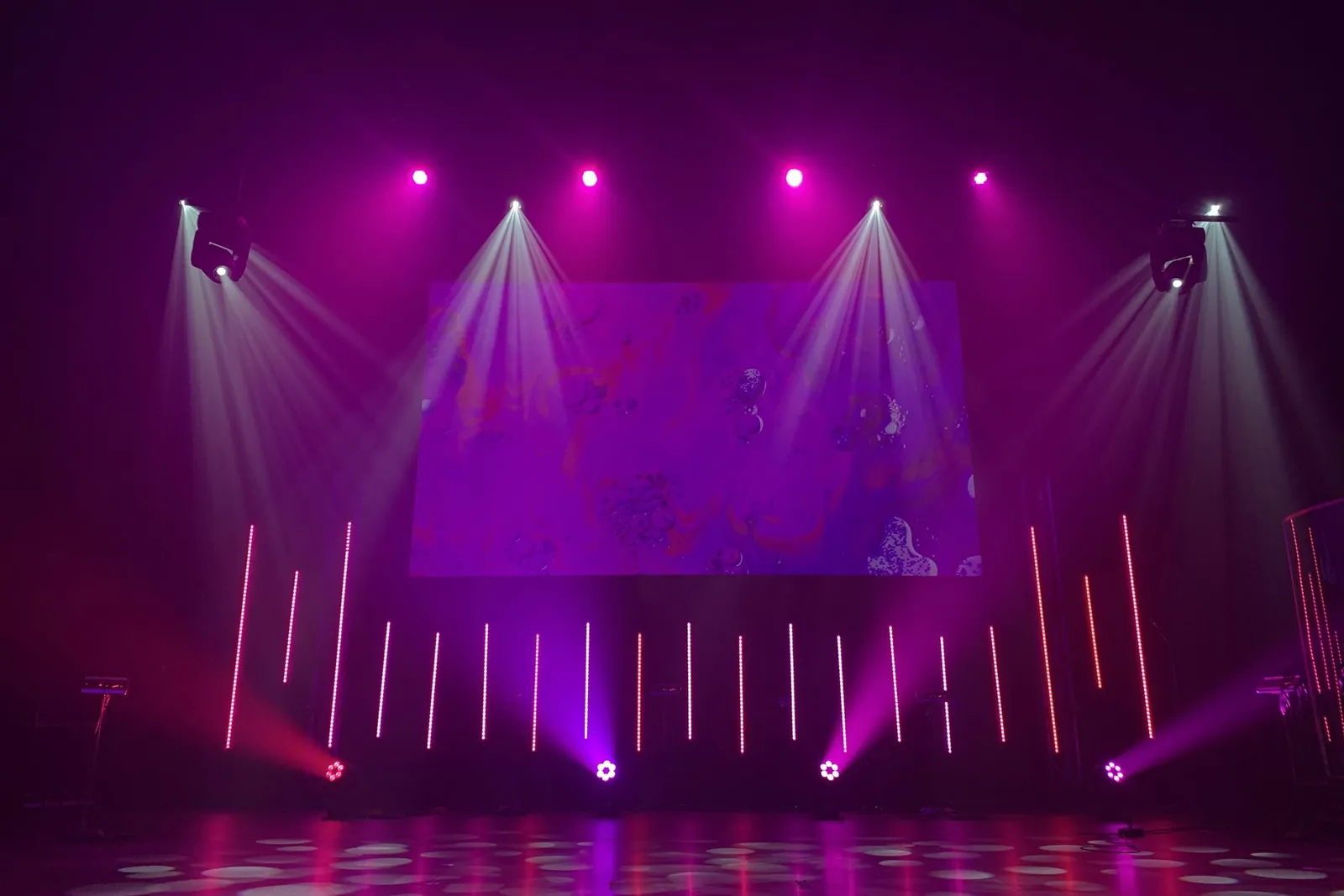
Lighting has four common jobs: making people and the stage visible, setting the mood of a space, highlighting key areas or branding, and supporting video or photography. Be clear which of these matters most for your event.
- Make sure speakers are lit well enough to be seen, without glare or harsh shadows
- Avoid light that falls on screens and washes out the image
- Decide whether ambient lighting should change during the event, for example between sessions and a dinner or performance
- Plan lighting for entrances, registration and walkways as well as the stage
- Check how much power and what rigging or fixing points the venue provides
Screens and visual presentation
Screens carry presentations, videos, live feeds and branding. They only work if everyone can see and read them.
Size and position
Size screens for the farthest viewer, and position them so that sight lines are clear from every seat. In wide or long rooms, plan more than one screen. Check that nothing, such as a pillar, a chandelier or a person standing, blocks the view.
Projection and LED displays
Projection needs control of ambient light to be readable, and the image depends on the surface and the distance. LED displays are brighter and cope better with lighting, but need to be sized and positioned for the space. Which is suitable depends on the venue, the audience and the content, and is a decision to make with the production team.
Content formats
Ask for presentations and videos well before the event. Check the format, the aspect ratio and the way fonts and embedded media behave on the event system. Avoid last-minute changes on a speaker’s own laptop where possible.
Content playback
- Decide where content will be played from, and who controls it
- Test videos with sound, on the actual system and at the actual volume
- Plan how speakers will move between slides: a clicker, a presenter at the desk, or an operator on cue
- Prepare the order of the content and label each file clearly
Technical rehearsal
A rehearsal tests the cues and equipment in the room, with the people who will use them. It does not need to be long, but it should include:
- A sound check with every microphone and music source
- A lighting check with the stage lit as it will be
- A run of presentations and videos on the actual screens
- A walk through the cues for key moments such as the opening, an award or a performance
- A test of any communication between operators and the team
Backup planning
Plan for the failures that would hurt most.
- Spare microphones, batteries, cables and adaptors
- A second copy of presentations and videos, on a different device
- A plan for what to do if a screen or a speaker stops working
- Backup power for critical equipment, arranged with the venue
- A person who is responsible for decisions if something fails
Power
Sound, lighting and screens all depend on power. Ask the venue about the available supply, how many circuits and where, and what backup exists. Plan cable routes so that they are safe and do not create a trip hazard. If the event is outdoors or in a temporary structure, power needs even more care. The production team should confirm the load and the distribution before setup.
Operators and responsibilities
Equipment does not run itself. Decide who operates sound, lighting and screens during the event, and make sure they know the programme. Share the run sheet with them, and agree how they receive cues. Clarify who the technical team reports to on the day.
How the needs change with the event
- Conferences: priority on clear speech, lapel and handheld microphones, readable screens and quick, reliable presentation changes.
- Weddings: sound for ceremonies and announcements, music for functions, lighting that suits changing times of day and the décor, and quiet, unobtrusive operation during rituals.
- Product launches: lighting, sound and screens cued together to build to a reveal, with a rehearsed sequence.
- Awards and ceremonies: a clear running order, microphones for presenters and recipients, and lighting that follows people across the stage.
- Live performances: sound and lighting driven by the artists’ technical requirements, with monitoring and a longer soundcheck.
- Exhibitions and stalls: lighting and screens that suit the hall and the organiser’s power and noise rules.
Local rules, music and timings
Venues and local rules can limit sound levels and set time limits for loudspeakers, particularly at night. Ask the venue what applies and who is responsible for any permission. If you play recorded music at a public event, check whether licences are needed and who arranges them. Planning around these early avoids a programme that has to be cut short.
How to brief a sound, lighting and AV provider
- Share the programme, the venue and the date.
- Give the number of guests and the seating layout.
- List the microphones, screens, music and performances you expect.
- Share any artist requirements and presentation formats.
- Ask for a plan that shows positions, power and operators.
- Ask what is included: setup, crew, rehearsal time and dismantling.
- Agree who is on site, and who you contact if something goes wrong.
Common mistakes
- Treating sound, lighting and screens as separate decisions
- Not visiting the venue to check acoustics, power and sight lines
- Receiving presentations on the day and discovering format problems
- Skipping the rehearsal
- No backup for microphones, laptops or power
- Not asking about sound limits and permissions
Further reading and next steps
The event production guide explains how sound, lighting and AV fit into the wider technical build, and the article on planning a product launch shows how they support a reveal. For conferences, see conferences and exhibitions.
NuKoncept Events provides sound, light and AV support within its event production work. Equipment is specified for each event and no equipment list is published here. To discuss yours, contact the team with the venue, the date and the programme.